How to market your app with $1/video UGC
Updated · 9 min read
Every app that grows on TikTok runs into the same problem. You need more videos than you can afford to make. Winners wear out, new angles need testing, and every week the algorithm wants something new.
This guide shows you how to get human UGC at roughly $1 per video in creator cost, and how to turn that into a system that grows with your app. Everything in here is built to be used, so keep it open the next time you book a creator.
The $1/video maths
Most apps pay a creator for one finished video. That's where the money goes. Pay for an hour instead, and film in pieces.
- A body: the middle of the video, the part that shows your app.
- A hook: the first line, filmed on its own.
- Every hook goes on every body. Each pair is a new video.
One 1-hour session gives you:
- 4 bodies (the 4 templates below)
- 30 hooks, each filmed 2 to 3 times
- 4 bodies x 30 hooks = 120 different videos
Say you pay $100 for the hour. That's about $0.80 per video in creator cost.
They're all versions of the same 4 videos. That's the point: you test 30 first lines for the price of one video, and you keep the ones that work.
The kit every creator needs
Before you book anyone, make sure they have the basics.
- A phone with a clean lens. Wipe it before every session. A smudge makes everything look cheap.
- Window light. Daytime, facing a window, ceiling lights off.
- Something to hold the phone. A small tripod, or a stack of books. Eye level, not from below.
- A quiet room that looks lived in. A bedroom, a kitchen, a car. Never a blank wall.
- Your app, installed, with a real account. They should use it for a few days first. Real use makes real lines.
Tip
Ask for a 5-second test clip before the session. It saves the whole hour.
4 templates you can film today
Each one is a body. Film it once per take, then swap in the hooks from the hook bank.
Template 1: I Was Wrong
- Hook: "I thought [type of app] apps were useless until this one."
- The doubt: "I tried [the old way] for months and nothing stuck."
- The fix: "Then I tried this:" + your app on screen, doing the one thing it does.
- Close: "Okay, I was wrong about this one." + app name on screen.
Doubt builds trust, so the result at the end feels earned. Only film it if it's true for the creator.
Template 2: The Notification
- Hook: "pov: [a normal moment]. then [time] later you get this notification:"
- The shot: the phone's lock screen, and your app's notification pops up.
- Close: their real reaction + the app open on screen.
One lock screen video like this, for an app called Promise, got 57M views on Instagram.
Template 3: The Habit Callout
- Hook: "If you [small habit your user will recognize], this is for you."
- The problem: "That usually means [the problem], and I didn't notice for ages."
- The fix: "This is what fixed it." + app in use.
- Close: the result on screen + the app name.
The viewer recognizes themselves in the first line, so the video feels made for them.
Template 4: Don't Do This
- Hook: "Stop [common mistake in your category], seriously."
- Why it's a mistake: "It [what goes wrong], and most people don't even notice."
- The right way: "Do this instead." + app in use.
- Close: "Honestly can't go back now." + app name on screen.
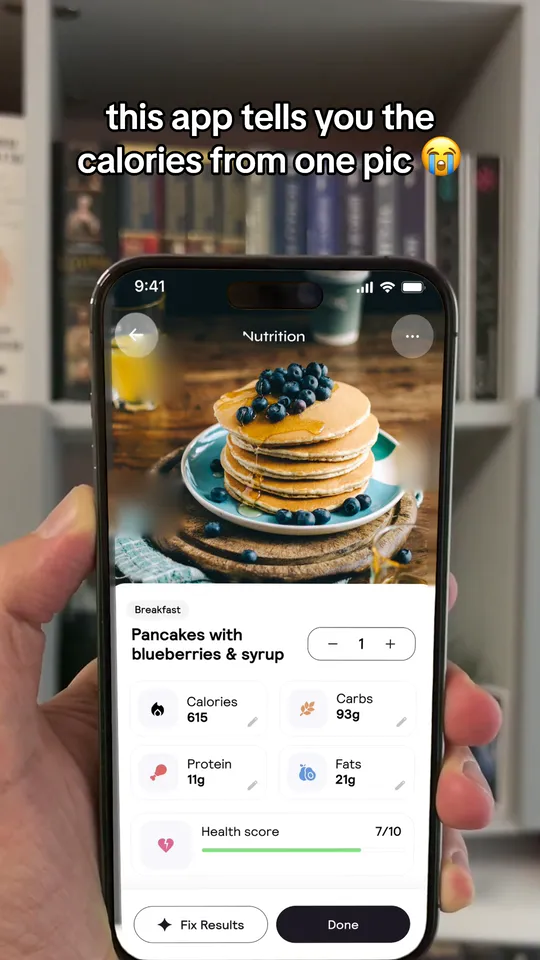
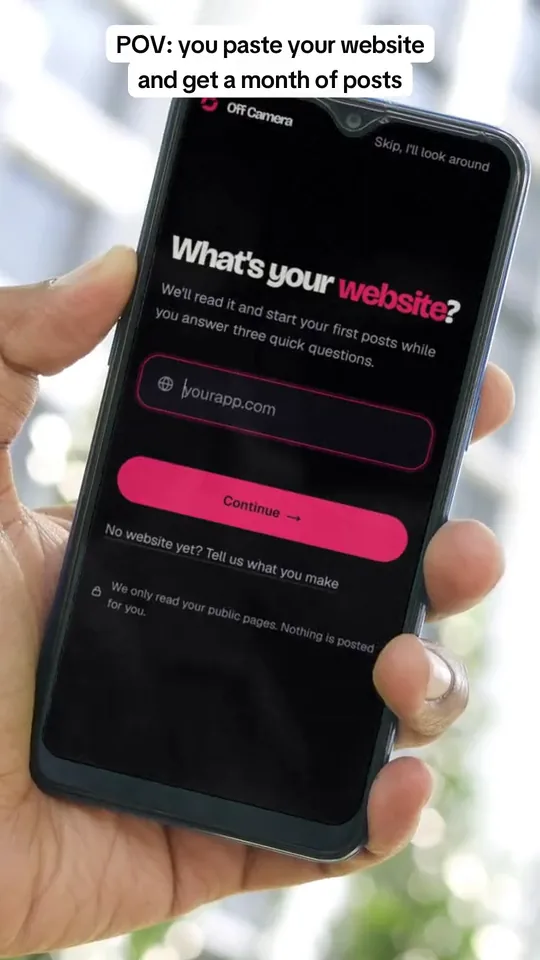
Name every template
Give each body a short name ("I Was Wrong", "The Notification") and put it in the file name. Then you can see which body wins, not just which video.
A hook bank across 6 angles
From the viral app UGC we studied (Suno, EQUALS and others):
pov: [normal moment]. then [time] later you get this notification:
POV + notification. The lock screen shape from Template 2.
okay, why did nobody send this sooner?
Why did nobody tell me. A video for Retro, a photo app, opened with this line and got 59M views on TikTok.
all [people], ATTENTION
Call out the group. "All medical students, ATTENTION" got 41M views on Instagram for Astra, a study app.
i love [group], wdym someone made an app that [does X and Y] (it's called [app])
I love this group. EQUALS, a music app, got 70M views on TikTok with this line over a mirror selfie.
turning my [person]'s CRAZY texts into a [thing your app makes]
Crazy texts. "Turning my Mother in Laws CRAZY texts into a song" got 11M views on TikTok for Suno.
why tf is [thing] so [word]
Why tf. A blunt question about something everyone has noticed.
Where to find more hooks
Your users have already written them. Pull lines from your app store reviews, your support inbox and the comments under your videos.
Claude can help a lot here. Paste in your reviews and ask it to group them by problem and pull the exact words people used.
Your job is the cut. Read every hook out loud and delete anything that sounds like an ad.
Free toolTikTok hook idea pickerType what your app does and who it's for, and get hook shapes taken from real posts.The 1-page creator brief
A creator should be able to read your brief in 2 minutes and nail it on the first take. Use the same layout every time:
- App: [name]
- Format: [template name] + a reference video
- Body: [the template's lines with the blanks filled in]
- Hooks (film each one 2 to 3 times): 1. [hook 1] 2. [hook 2] ... 30. [hook 30]
- Pacing: 1 line per take, a 2-second pause between lines, restart the full line if you stumble
- Lighting: daytime, facing a window, ceiling lights off, send a 5-second test clip first
- Say the app: once, around the middle, like you'd tell a friend
The minute-by-minute plan for a 1-hour session
Step 1: 0:00 to 0:05: set up
Phone at eye level, window light, airplane mode. Send the test clip.
Step 2: 0:05 to 0:15: Template 1 body
Film I Was Wrong, 3 takes.
Step 3: 0:15 to 0:25: Template 2 body
Film The Notification, 3 takes.
Step 4: 0:25 to 0:35: Template 3 body
Film The Habit Callout, 3 takes.
Step 5: 0:35 to 0:45: Template 4 body
Film Don't Do This, 3 takes.
Step 6: 0:45 to 0:58: all 30 hooks
2 takes each, with a 2-second pause between them.
Step 7: 0:58 to 1:00: upload
Everything in one folder, named by template.
The editing setup and the 4-point QC check
Setup
- Edit in CapCut. Put each hook in front of each body, one export per pair.
- Use TikTok's own font, white with a thin outline.
- Keep words out of the bottom fifth: captions and buttons cover it.
- Keep it under 15 seconds, unless it's a story.
The 4-point QC check
Step 1: The first second works with the sound off
The hook is on screen, big.
Step 2: It's true
No results the creator didn't get.
Step 3: The app shows up once, clearly
On Suno's videos it's one small line: "song made on suno".
Step 4: No begging
Don't ask for likes in the video or the caption. Metricool found that asking for a like on TikTok cut likes by 60%.
How to read your results
Post every pair, then look after 48 hours.
- Views under 200: the idea isn't landing. Change the body, keep the hooks.
- Views, but people leave in 2 seconds: it's the hook. Move to the next one in the list.
- Views, but no saves or shares: no payoff. Make the close stronger.
- One hook wins on every body: that's your angle. Write 10 more like it.
Every morning, know 3 things: how many views you got yesterday, which hook and body got them, and whether downloads moved.
Is it your creative or your offer?
| What you see | The problem | What to do |
|---|---|---|
| Low views on every video | The creative | New bodies, same creators |
| Views, but no downloads | The offer | Fix the app store page, the price or the first screen |
| One creator wins, the rest don't | The brief | Send everyone the winner's body and hooks |
| Views fall for everyone | Fatigue | A new idea. EQUALS' creator videos went from 495M views in April to 1.9M in October |
How to pay creators
There are three ways to pay, and the best systems mix them.
- Per session: a fixed fee for the hour. This is what makes the $1 maths work.
- Per video plus a view bonus: Prayer Lock's founder wrote that they pay $500 to $1,000 a month for 60 posts, plus $20 to $100 per 100K views, usually capped at 1M views.
- Per deal: on Collabstr, one big creator marketplace, the average UGC deal last year was $154. Fine for a test, too expensive to scale.
Put 4 things in every deal:
- A fixed fee, so they show up.
- A bonus for views, so they try.
- A cap, so one huge video doesn't break you.
- The right to run their videos as Spark Ads, agreed on day one.
What it costs
| How you pay | Creator cost | Videos |
|---|---|---|
| 1 session | about $100 | about 120 |
| 4 sessions a month | about $400 | about 480 |
| 10 creators, 1 video a week each, at $154 | about $6,160 | about 40 |
If you'd rather skip creators
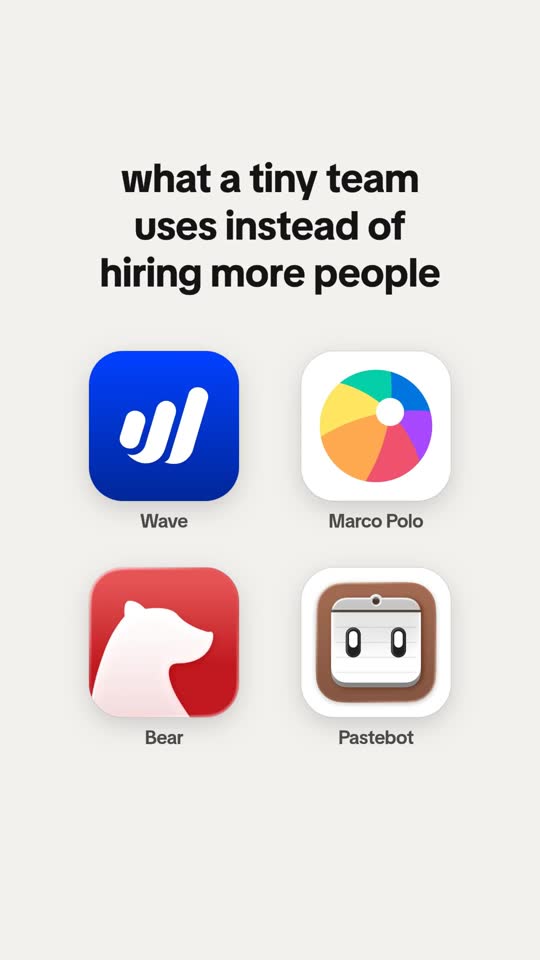
Slideshows, memes and walls of text need no one on camera. Our guide to marketing your app without showing your face has that whole system.
Questions people ask
What is UGC for apps?
UGC means user-generated content. For apps, it's short videos of real people using or talking about your app, filmed on a phone so they look like normal posts, not ads. Most of it runs on TikTok and Instagram Reels.
How much does UGC cost?
On Collabstr, the average UGC deal last year was $154. If you pay for an hour of filming instead, and film hooks and bodies apart, $100 can give you about 120 versions: under $1 each.
How many hooks should I test?
Film 30 in a session, 2 to 3 takes each, and put every hook on every body. When one hook wins on every body, that's your angle: write 10 more like it.
What are Spark Ads?
Spark Ads run a creator's real TikTok post as an ad, with its real likes and comments. The creator turns on ad authorization for the post, picks how long you can use it (7, 30, 60 or 365 days) and sends you a code.
Can I market my app without creators?
Yes. Slideshows, memes and walls of text need no one on camera. See how to market your app without showing your face.
Keep reading
Sources
- Collabstr: 2026 Influencer Marketing Report (UGC deal prices in 2025) (opens in a new tab)
- Mau Baron, Prayer Lock: how we scaled our app with UGC (X) (opens in a new tab)
- TikTok Ads Manager help: how to create Spark Ads (opens in a new tab)
- Metricool: TikTok content strategy guide 2026 (opens in a new tab)
- DarkUGC: EQUALS creator videos, views by month (opens in a new tab)
- Instagram: the Promise lock screen video (57M views) (opens in a new tab)
- TikTok: the Retro video, "okay, why did nobody send this sooner?" (59M views) (opens in a new tab)
- Instagram: the Astra video for medical students (41M views) (opens in a new tab)
- TikTok: the EQUALS mirror selfie (70M views) (opens in a new tab)
- TikTok: the Suno mother-in-law texts song (11M views) (opens in a new tab)