In this guide. Now reading: 1/8 · The shape of an app slideshow
- 1The shape of an app slideshow
- 2Ideas for productivity and work apps (1-4)
- 3Ideas for health, food and fitness apps (5-8)
- 4Ideas for money and shopping apps (9-11)
- 5Ideas for study and language apps (12-14)
- 6Ideas for social, photo and dating apps (15-17)
- 7Ideas that work for any app (18-20)
- 8Make one in 15 minutes
A slideshow is the cheapest post an app can make: 5 to 10 pictures with a few words on each, and no filming or editing. People save lists to come back to, so a good one keeps getting seen.
Below are 20 slideshow ideas made for apps, grouped by the kind of app. Each one has a cover line you can copy. Swap the words in brackets for your own.
The shape of an app slideshow
Almost every slideshow that sells an app without feeling like an ad has the same four parts.
- The cover: the viewer's problem or wish, in their words. Never your app's name.
- The middle: 3 to 6 slides that help on their own, one tip or item each, with a real photo.
- Your app: one slide near the end, with its real screen and one line on what it does.
- The last slide: a question to answer in the comments, or a reason to save it.
Why lists? A list makes a promise on the cover and pays it off one swipe at a time, and people save lists. On Instagram, Metricool found carousels get 9 times the saves of single photos.
Ideas for productivity and work apps (1-4)
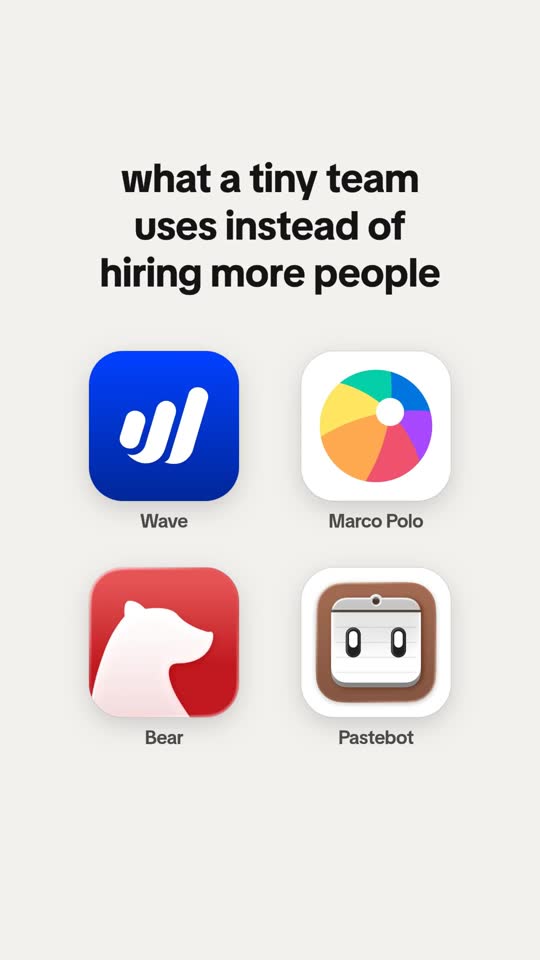
"what a tiny team uses instead of hiring more people"
1. The stack. Four or five tools, yours among them, each with its logo and one line.
"5 small habits that stop my work week from slipping"
2. The habit list. Your app does one of the habits for them.
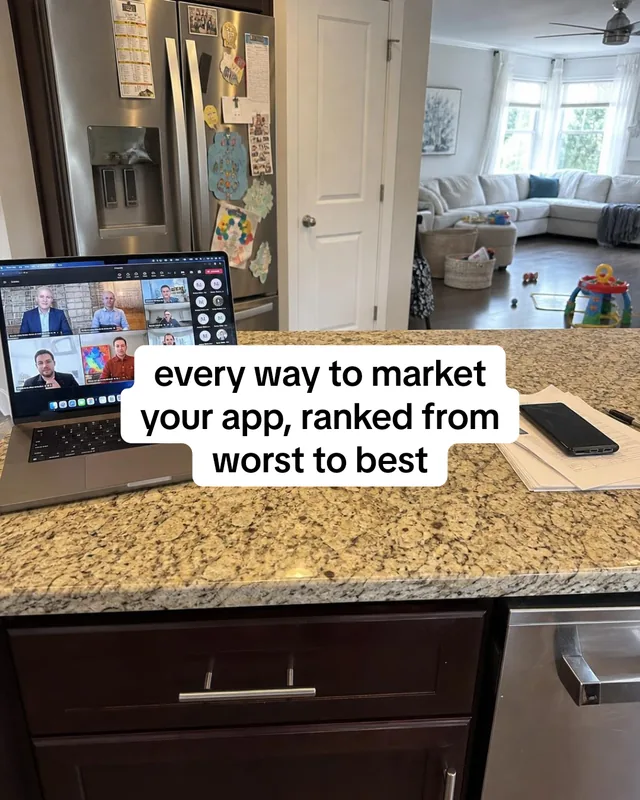
"every way to [plan your week], ranked from worst to best"
3. The ranking. Your app is last, with an honest reason it wins.
"things i wish i knew in my first year as a [freelancer]"
4. Wish-I-knew. One lesson a slide, your app as one of them.
Ideas for health, food and fitness apps (5-8)
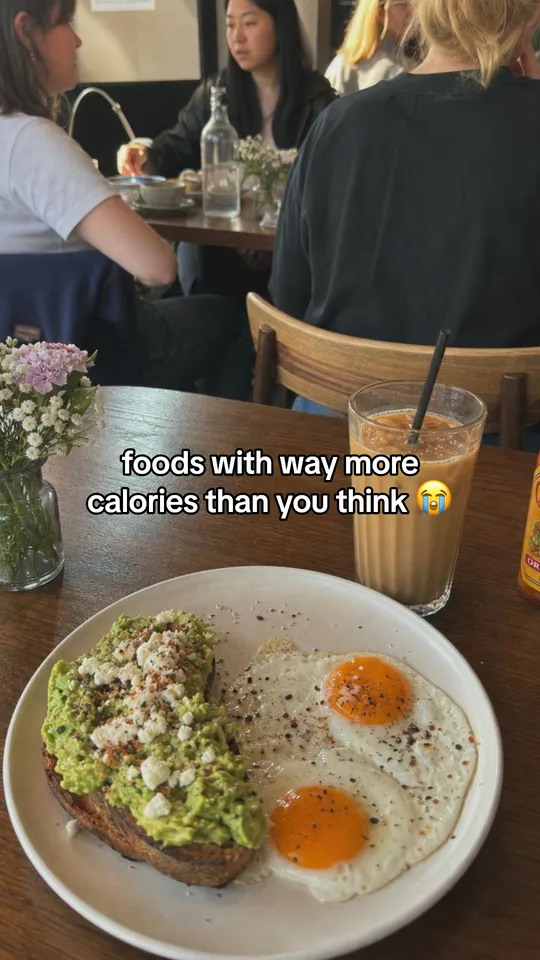
"foods with way more calories than you think"
5. The surprise list. Each slide a real food photo and its number. Your app shows how you'd know.
"what actually changed when i let myself miss a day"
6. The honest change. A short story over 5 or 6 slides.
"my lazy [morning / gym / meal prep] routine, step by step"
7. The routine. Real photos of each step, your app on the step it helps.
"[5] mistakes that stall your [weight loss / running]"
8. The mistakes list. People check if they're making them.
Ideas for money and shopping apps (9-11)
"where my money actually went this month"
9. The reveal. Categories as slides, your app as the way you found out.
"things i stopped paying for this year"
10. The cut list. One thing a slide, with what it saved.
"how i'd save my first [$1,000] if i started again"
11. The plan. Steps people can copy today.
Ideas for study and language apps (12-14)
"how i'd learn [Spanish] in 3 months if i started again"
12. The do-over. Each slide a week or a step.
"study tricks that actually work (that school never taught you)"
13. The secret list. Your app is the trick on one slide.
"all [nursing / law] students, read this before your exams"
14. The callout. Name the group on the cover so they stop.
Ideas for social, photo and dating apps (15-17)
"photo spots in [Austin] nobody talks about"
15. The local list. Real places, your app as how you found or shared them.
"green flags in a first message"
16. The flags list. Light, shareable, and your app sits in the last slide.
"things you didn't know your phone camera could do"
17. The hidden-feature list. Good for photo and editing apps.
Ideas that work for any app (18-20)
"underrated apps you'll actually use (part 1)"
18. The series. Number it and keep going. Your app is one item each time.
"apps i deleted vs apps i kept this year"
19. The keep-or-delete list. Honest picks make yours more believable.
"pov: you finally fixed [the annoying problem]"
20. The POV. The cover is the feeling; the slides are how.
Make one in 15 minutes
Step 1: Pick one idea
Choose the idea closest to what your app does. Write the cover first, in 5 to 13 words.
Step 2: List 4 to 6 items
One tip or item a slide. Each should help even someone who never downloads your app.
Step 3: Find a real photo for each slide
A photo of the thing that slide talks about. Plain colored slides get skipped.
Step 4: Put your app on one slide near the end
Show its real screen, with one line on the job it does. Never on the cover.
Step 5: Add a sound and a short caption
Pick a sound from TikTok's library. End the caption with a real question.
Step 6: Check saves after a week
Keep the covers that got saved and shared. Make the next one in the same shape.

Tip
Make three slideshows from the same idea with different covers. The cover decides most of it, so let your viewers pick the winner.