Prices read
Off Camera compared with other tools
Plain side-by-sides with real prices, read from each tool's own pricing page. Off Camera makes slideshows, memes and walls of text from your website, from $9.99 a month, and your first 9 posts are free.
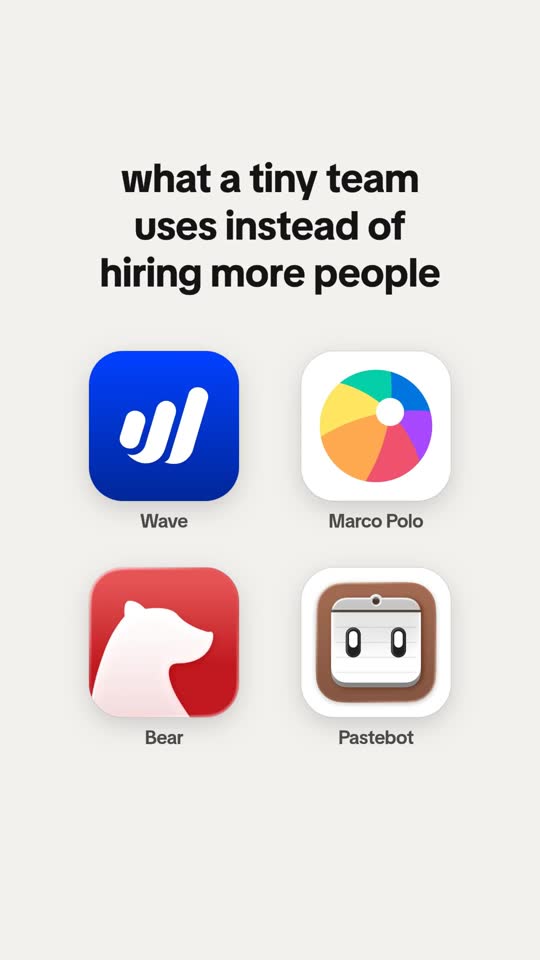
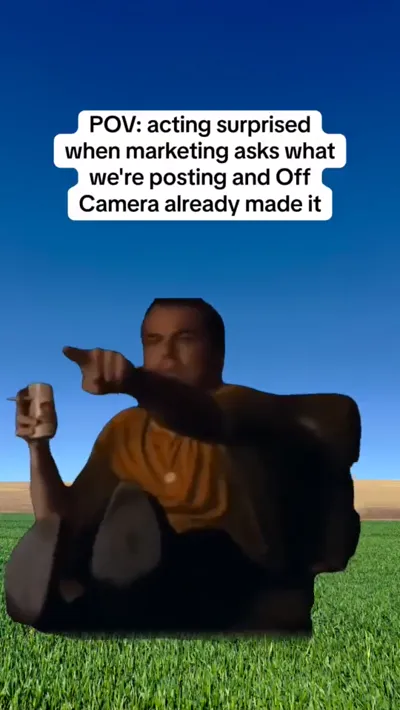
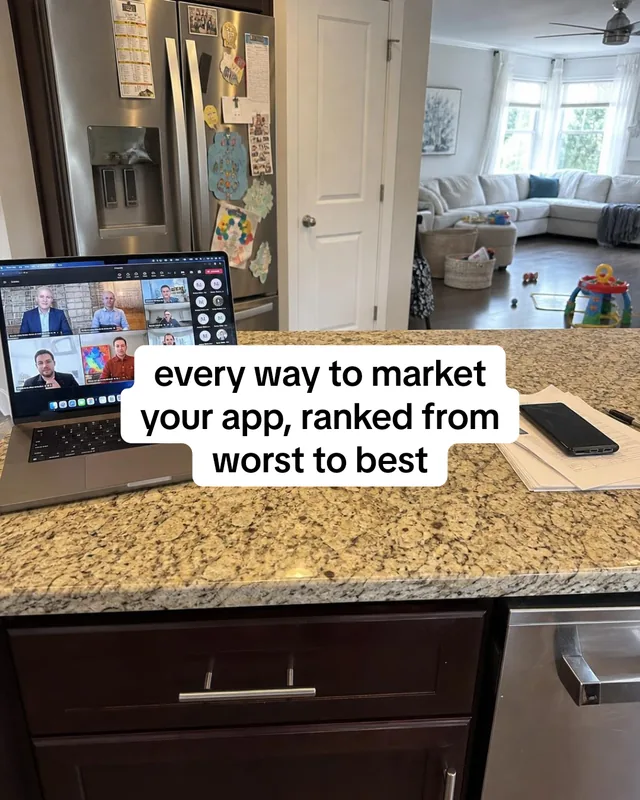
Made with Off Camera
The comparisons
- Off Camera vs FastlaneOff Camera starts at $9.99 a month and makes slideshows, memes and walls of text from your website, and your first 9 posts are free. Fastlane starts at $29 a month for 500 credits, which its page says is up to 41 images or 6 short videos, and it is built around AI characters.See the side-by-side
- Off Camera vs ReelFarmOff Camera starts at $9.99 a month and ReelFarm at $19. ReelFarm makes TikTok slideshows and Instagram carousels, 25 a month on that plan, and its FAQ says there is no free trial. Off Camera makes slideshows, memes and walls of text from your website, 100 posts a month on its $29 Starter, and your first 9 posts are free.See the side-by-side
- Off Camera vs MakeUGCMakeUGC makes AI video ads with AI actors. It starts at $59 a month ($1 to start), or less billed yearly. Off Camera makes everyday posts with no AI people needed, like slideshows, memes and walls of text from your website. It starts at $9.99 a month, and your first 9 posts are free.See the side-by-side
Guides that help you choose
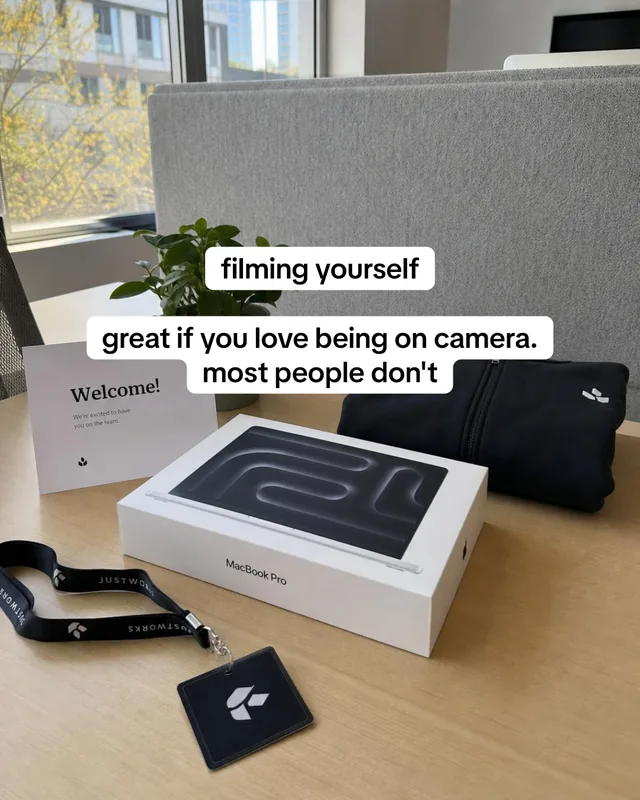 How-to · 5 minThe best apps to make TikTok slideshows in 2026For one slideshow now and then, TikTok's own photo mode is free and enough. To design every slide yourself, use Canva. To have slideshows made for you every day, use Off Camera (we make it, from $9.99) or ReelFarm (from $19).Read the guide
 For app makers · 5 minHow to market an app on TikTok: the 5 ways, and where to startStart with your own posts: list slideshows, memes and short screen clips, several times a week. Once a post works on its own, pay creators to make more like it, and boost the winners with Spark Ads.Read the guide
- For app makers · 5 minTikTok slideshow ideas for apps: 20 lists that show your appMake lists where your app is one item, not the star: a stack of tools, mistakes to avoid, a ranking from worst to best. Keep the cover about the viewer's problem, and show your app's real screen near the end.Read the guide